For Windows 10/11 and Android 11+
Your Android phone,
right on your PC.
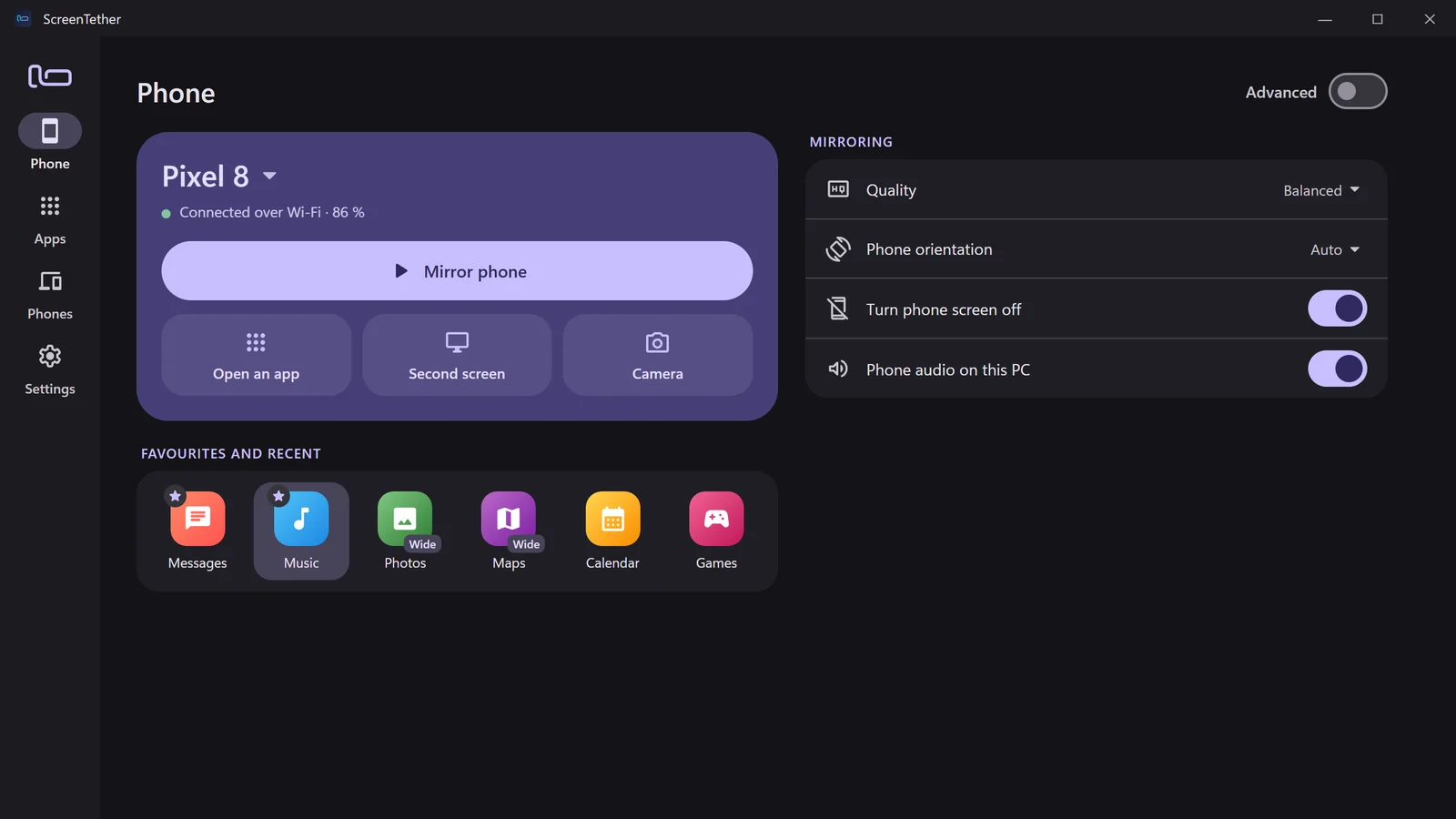
Mirror and control your phone, open its apps in their own windows, use it as a second screen or a webcam. Plug in once over USB, then it connects by itself.
 Coming soon to theMicrosoft Store
 Coming soon onGoogle Play
Free to start: USB mirroring is free forever. Try every Pro feature free for 7 days.
Apps as windows
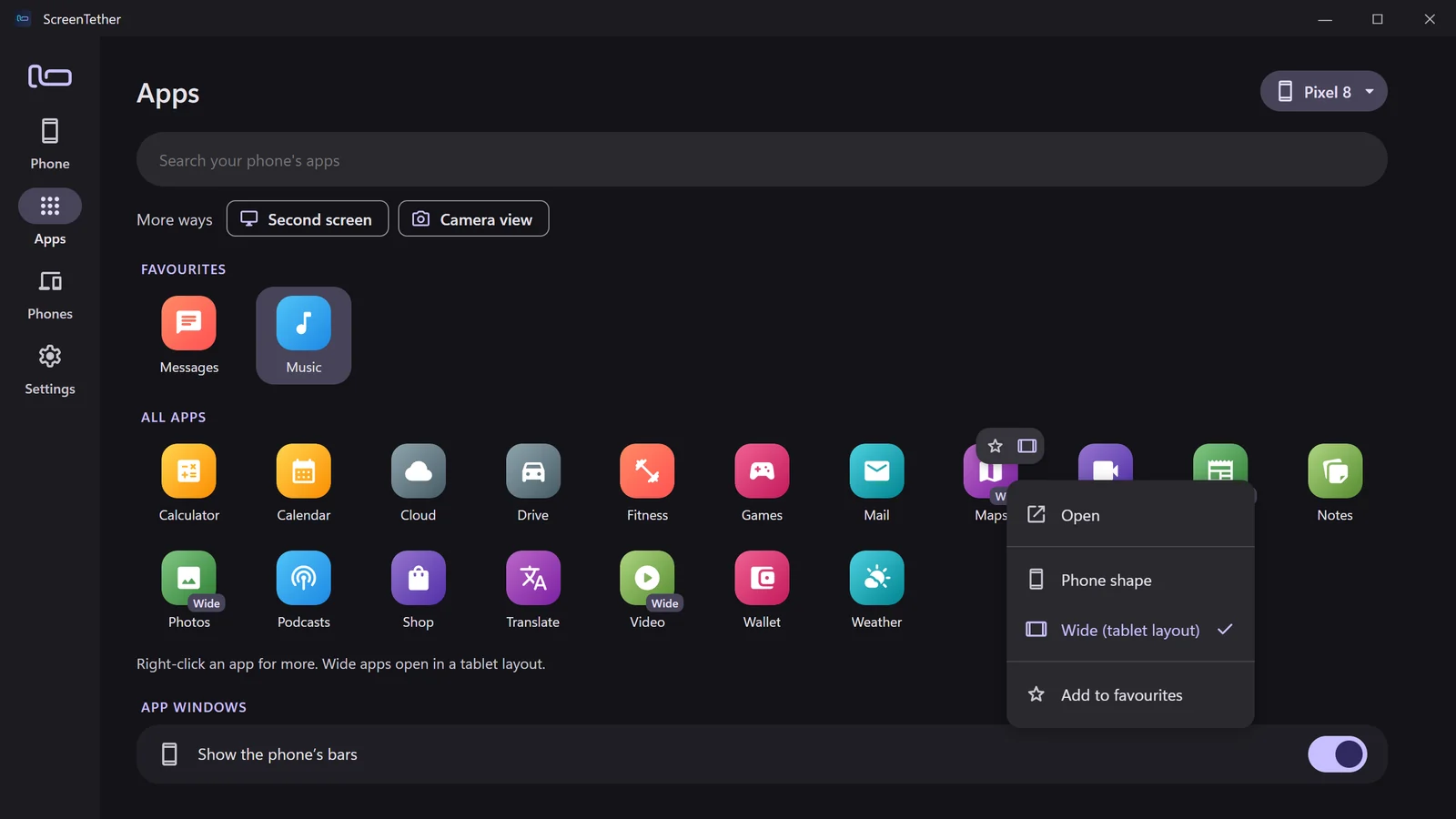
Open any phone app in its own window.
Pick an app and it opens next to your other windows, while the phone stays free. Choose phone shape or wide for a tablet layout, star your favourites, and right-click for more.
Second screen and camera
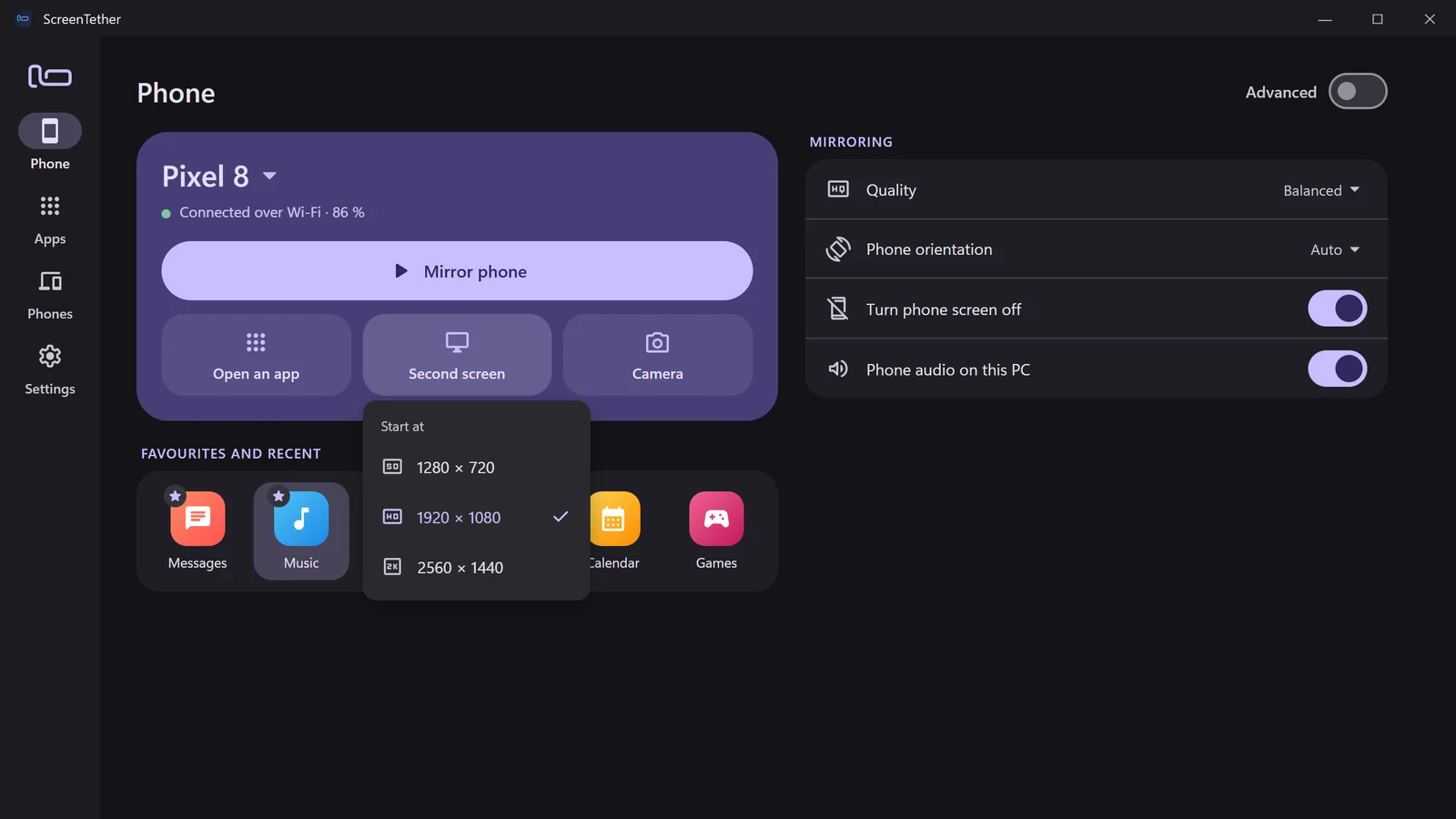
A second screen or a webcam, in one click.
Start a whole second Android screen at 720p, 1080p or 1440p, running on a hidden display, so your phone's own screen stays untouched. Or turn the phone's camera into a view on your PC.
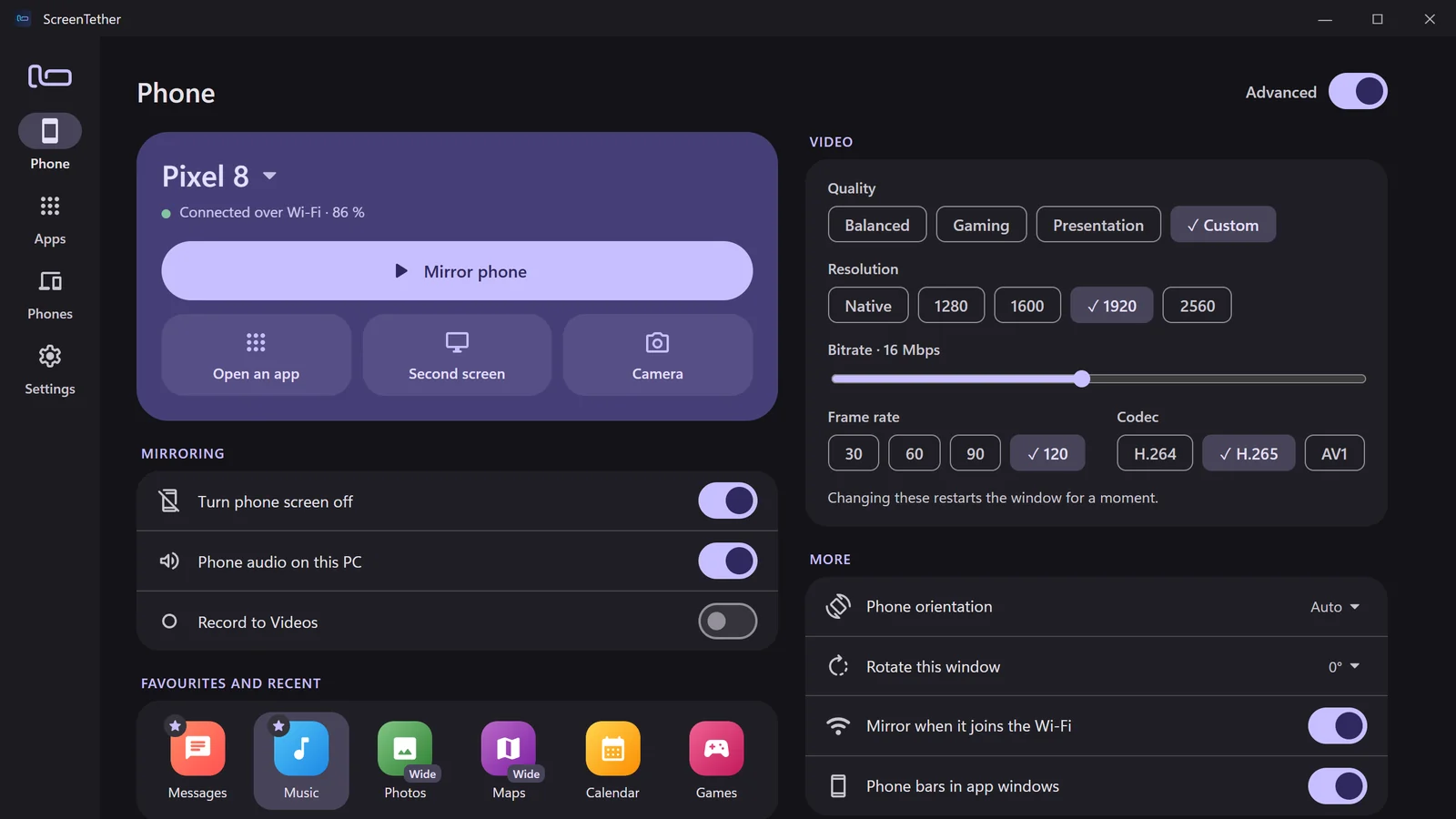
Advanced mode
Simple by default. Every setting when you want it.
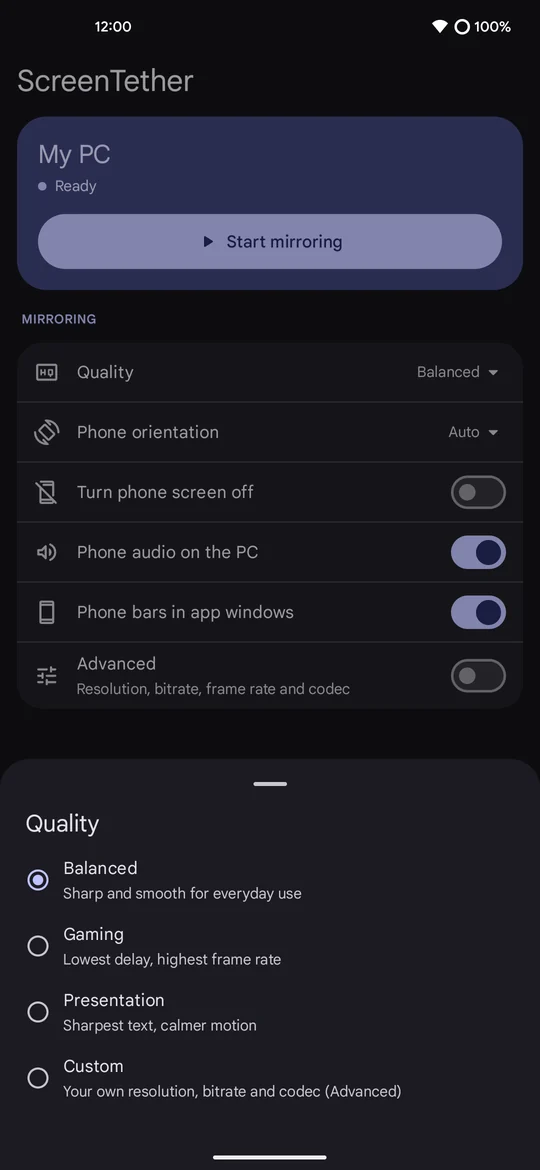
Pick a preset, or switch on Advanced to set resolution, bitrate, frame rate and codec yourself, rotate the window, record to video and mirror automatically when the phone joins your Wi‑Fi.
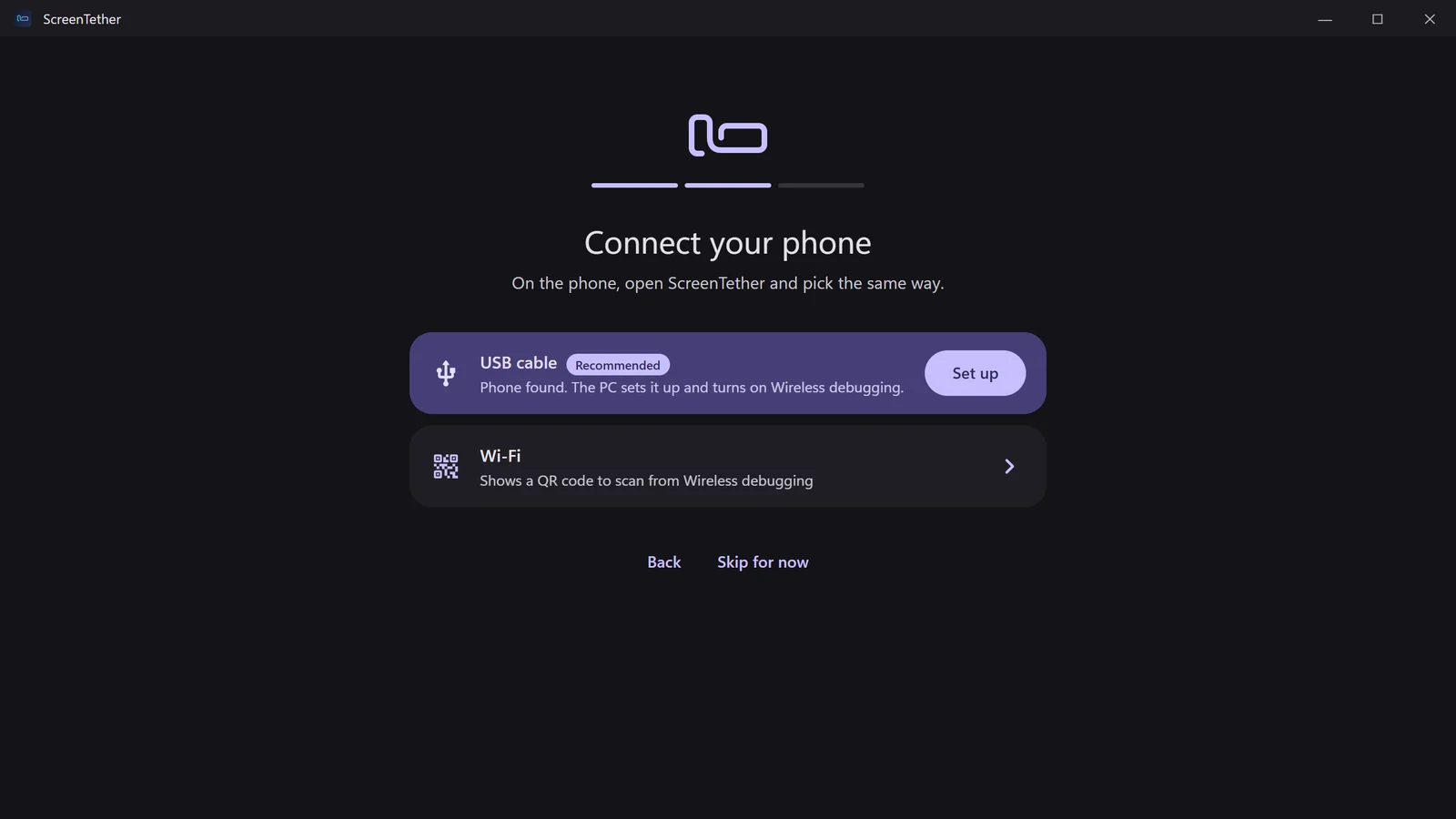
Guided setup
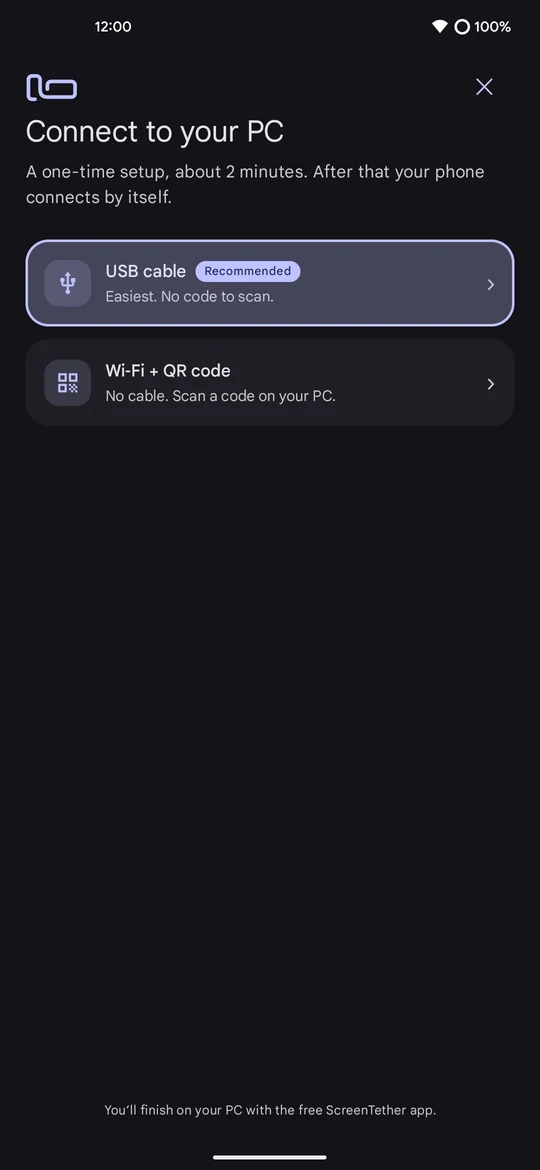
Set up in about two minutes. No typing codes.
The PC and the phone walk you through it together, step by step. Plug in the cable and the PC does the rest, or pair over Wi‑Fi with a QR code.
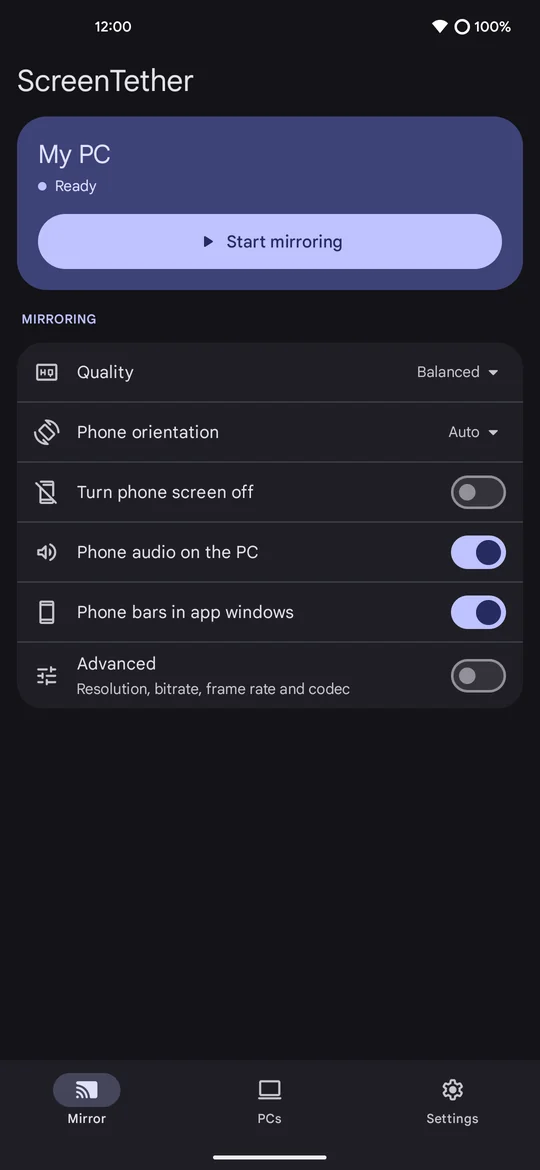
The phone app
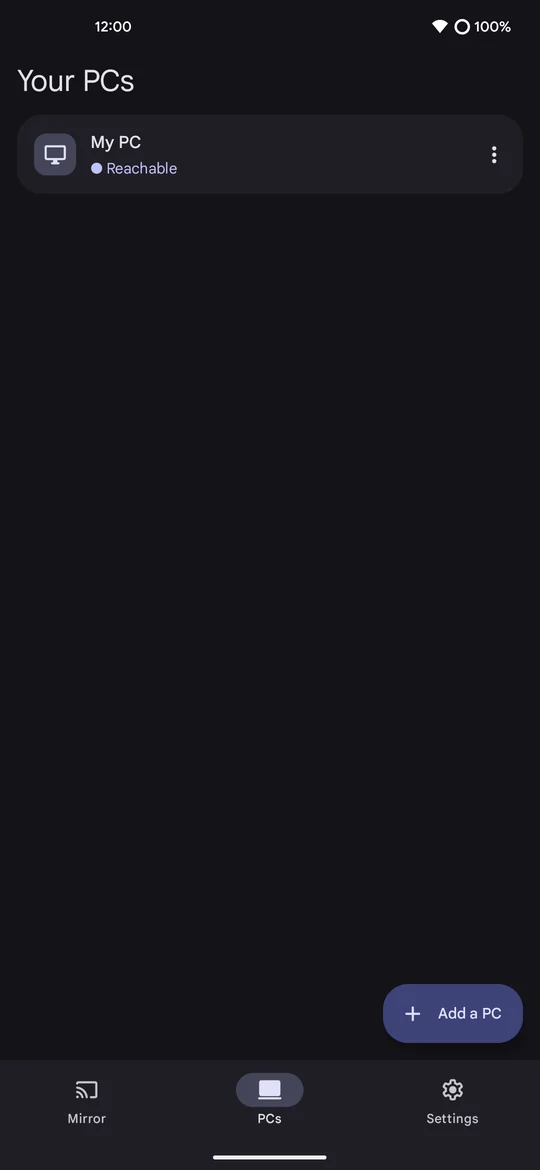
Start mirroring from the phone, too.
One tap to mirror, the settings you need, your PCs, and a Quick Settings tile. It follows your phone's colours.
Free & Pro
Start free. Unlock Pro once.
Free
Free forever
- Mirror and control over USB
- Quality presets, audio, screen off
- Clipboard and drag-and-drop files
- Keyboard and mouse
Pro
One-time purchase · no subscription
- Wi‑Fi mirroring that connects by itself
- Phone apps in their own windows
- Second screen and camera view
- Recording and advanced video
- Several phones
Try every Pro feature free for 7 days.
FAQ
Questions
Do I need to root my phone?
No. ScreenTether uses Android's own developer options (USB debugging and Wireless debugging), which the setup guides you through.
Which phones and PCs work?
Android 11 or newer and Windows 10 or 11. Opening apps in their own windows needs Android 10+, the camera view Android 12+.
Does my screen go through the internet?
No. The phone and the PC talk directly, over the cable or your own Wi‑Fi. There is no account and no cloud.
Is Wireless debugging safe to leave on?
ScreenTether can manage it for you: on at home where your PC is, off on other networks. It never answers Android's permission prompts for you.
What happens after the trial?
Mirroring over USB stays free. Pro features show a small Pro label until you unlock them; nothing is deleted.